On demand
Daily workforce brief
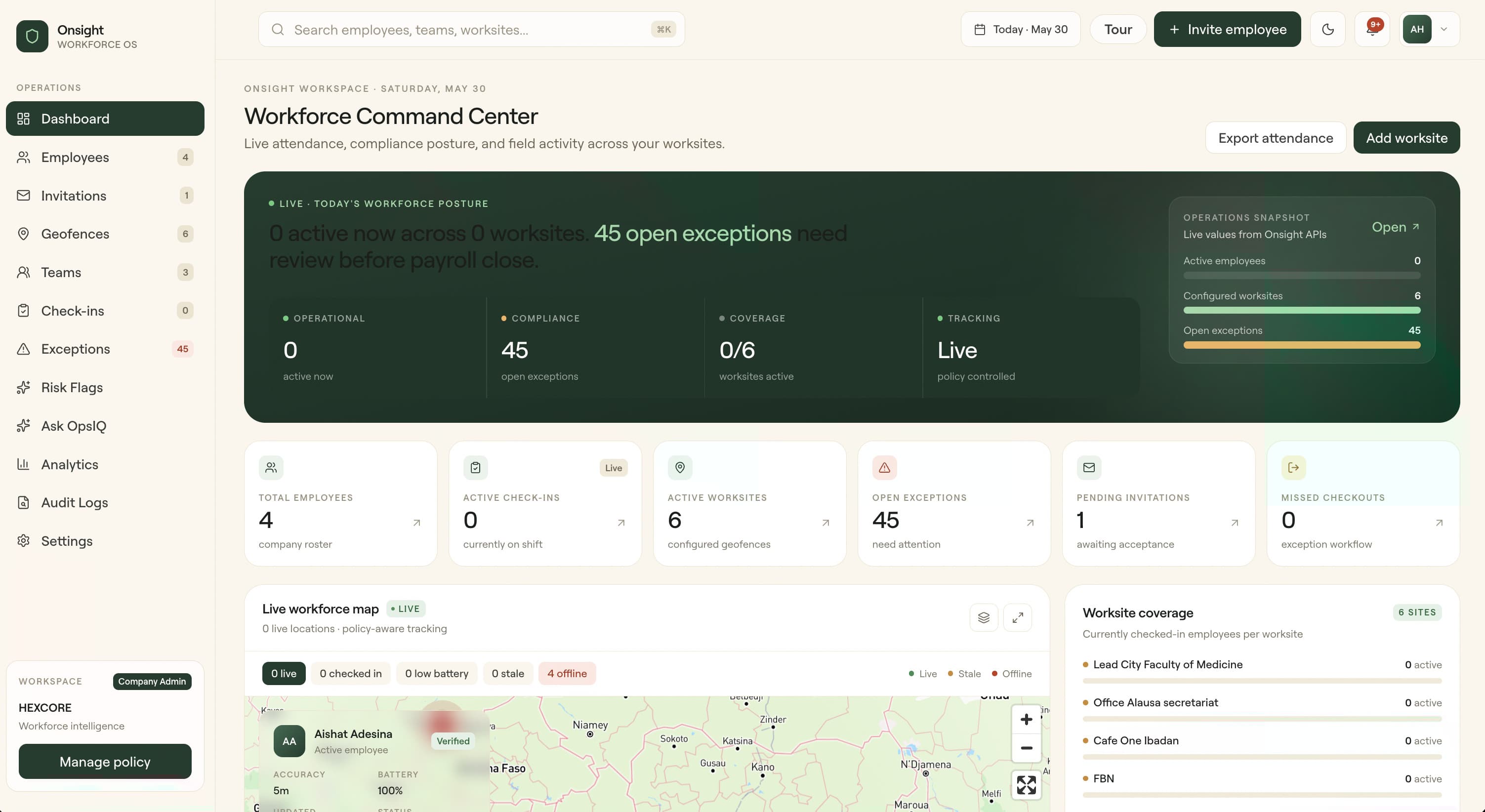
Generate an AI summary of attendance, exceptions, device trust, and audit activity when an admin needs a current operational readout.
Onsight verifies attendance the moment your staff step into a worksite — geofence check-in that can't be faked. Catch ghost workers before next payroll; the audit trail, exceptions, and workforce intelligence come with it.
Geofence
verified
Device
trusted
AI
explained
Operational truth
Manual timesheets, screenshots, and manager memory create disputes. Onsight gives every attendance event context: person, place, time, policy, device signal, exception state, and AI-assisted explanation.
Manual attendance fraud
Workers can be marked present without verified site presence.
Late exception discovery
Managers find problems after payroll or client billing has already started.
Unknown site coverage
Operations teams lack a live picture of who is actually on location.
Payroll disputes
Attendance records lack enough evidence to close disagreements quickly.
Platform
The admin dashboard, mobile app, and OpsIQ intelligence layer work together to verify site presence, surface exceptions, and keep tracking policy-bound.
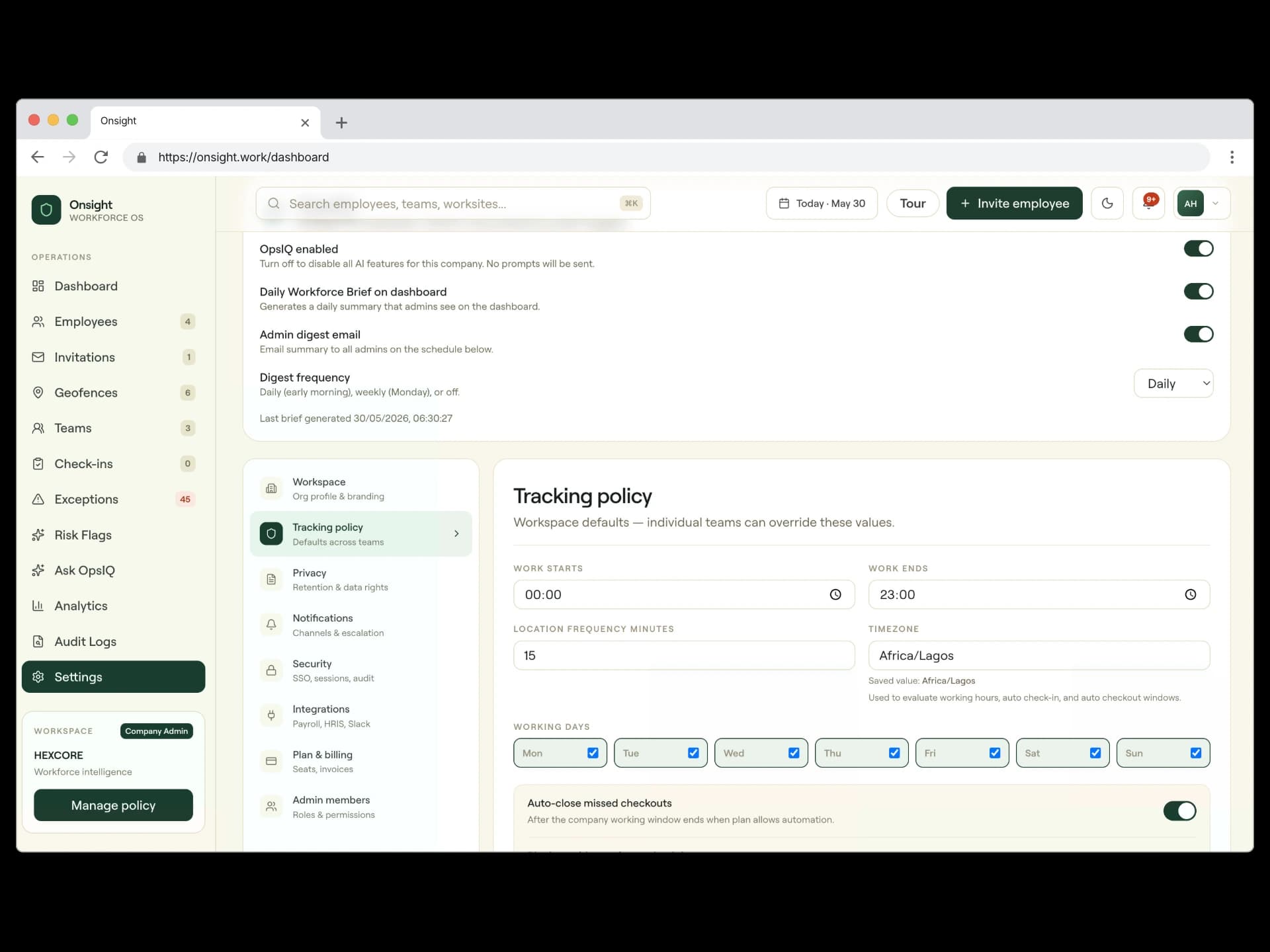
Verify check-ins and check-outs against approved worksites, teams, working-hour policies, and attendance-trust signals.
Track checked-in employees during company working hours when the plan and policy allow it.
Surface missed checkouts, late arrivals, geofence breaches, and policy events before payroll closes.
Queue mobile attendance activity when connectivity is unstable and sync when the device is back online.
OpsIQ AI
Onsight does not just collect GPS attendance data. OpsIQ turns attendance events, exceptions, trust signals, audit logs, and site activity into explanations managers can act on.
Generate an AI summary of attendance, exceptions, device trust, and audit activity when an admin needs a current operational readout.
Highlight recurring lateness, missed checkouts, unusual geofence behavior, and site coverage patterns before they become payroll or client issues.
Ask natural-language questions like who is frequently late, which sites need review, or what changed this week across your workforce.
Use AI explanations for exceptions, check-in trust summaries, and audit log summaries while preserving the source evidence behind every answer.
Ask OpsIQ
“Which worksites have the highest exception risk this week?”
OpsIQ answers from your company-scoped attendance records, exceptions, geofences, audit logs, and device trust signals. It is advisory, evidence-linked, and designed for operators who need answers without building reports from scratch.
Evidence first
Every answer keeps source context visible.
Trust aware
Selfie, biometric, and device signals shape risk.
Decision-ready
Summaries point managers to the next action.
Workflow
Onsight follows the operational flow your teams already run: define where work happens, invite the people, verify attendance, resolve exceptions, and export records.
Create worksites and geofence rules
Set worksite boundaries and policy defaults before employees start clocking in.
Invite employees and organize teams
Use invitations and teams to keep access, worksites, and reporting aligned.
Capture geofence, selfie, biometric, and device context
Employees use the mobile app to capture verified presence, even in low-signal areas.
Review exceptions and live coverage
Managers act on late arrivals, missed checkouts, and geofence issues from one queue.
Export records for payroll and compliance
Finance and operations get clean records for payroll, compliance, and client review.
Use cases
Onsight adapts to multi-site operations where attendance integrity directly affects coverage, compliance, payroll, and customer delivery.
Verify crew presence across sites, reduce payroll disputes, and see where coverage is at risk.
Explore ConstructionSupport facility attendance, policy compliance, and privacy-aware tracking during work windows.
Explore HealthcareMonitor branch coverage, store opening readiness, and manager-owned exception resolution.
Explore RetailKeep plant attendance, punctuality, and supervisor visibility aligned with operational reporting.
Explore ManufacturingPricing
The Business plan is built for teams that need live visibility and exception workflows. Enterprise unlocks auto check-in and deeper operational automation.
₦0
5 employees · 1 geofence · 1 admin
Evaluate core attendance and geofence controls before committing.
₦25,000
₦250,000/year
For small teams that need reliable attendance control.
₦75,000
₦750,000/year
For growing field teams needing compliance visibility.
₦250,000
₦2,500,000/year
For large or compliance-heavy operations with custom controls.
Ready for the field
Start with verified attendance, then layer on live tracking, exception workflows, and automation as your compliance needs mature.
Teams
Invite employees and organize site access.
Policy
Apply working hours and timezone controls.
Reports
Export clean records for payroll review.
Compliance
Resolve exceptions before they become disputes.
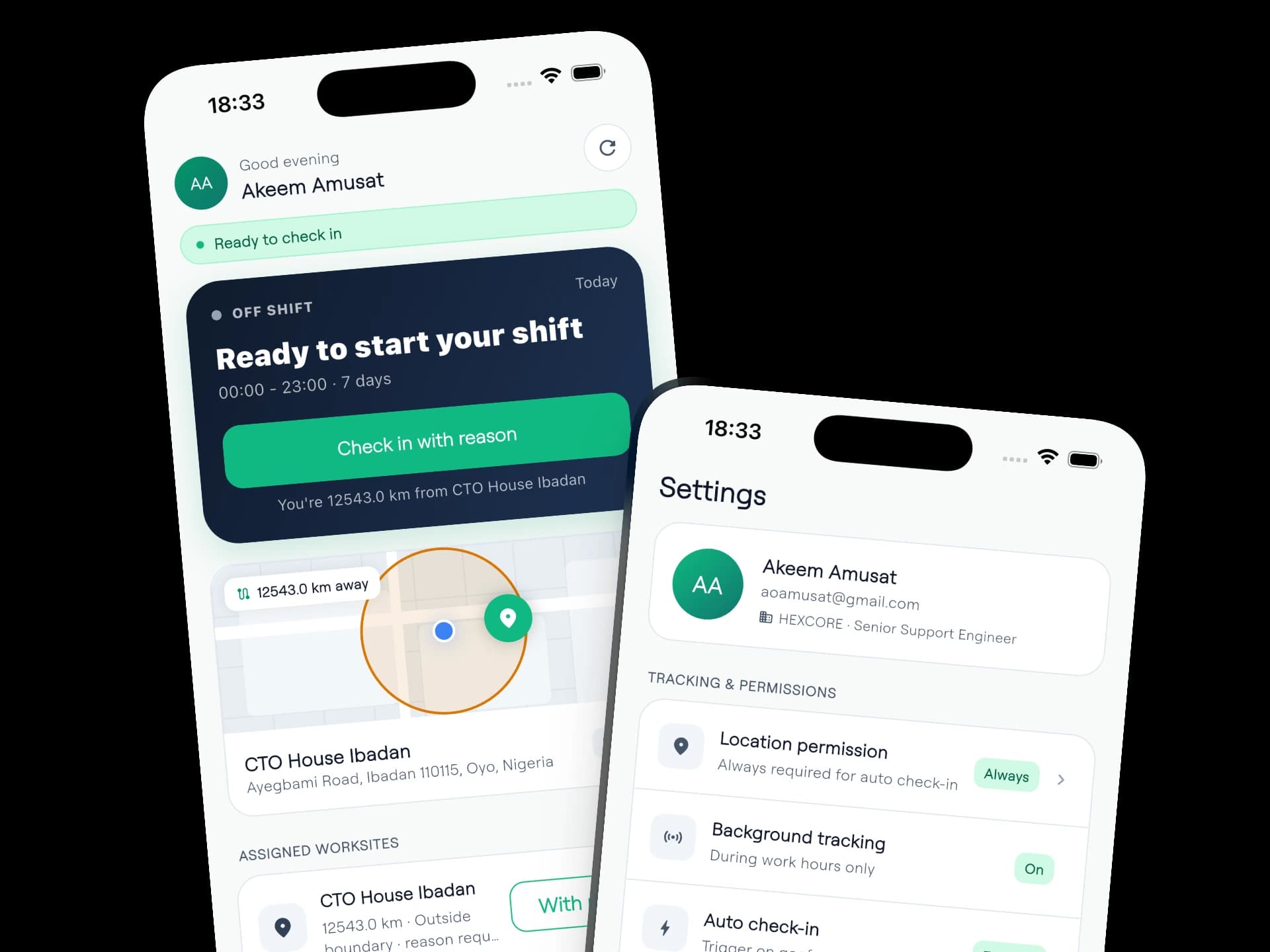
Employees can accept invitations, enable location permissions, check in from assigned worksites, and keep attendance records accurate from Android and iOS devices.